
Setup Guide
How to Set Up Ramix IPTV on Amazon Firestick
February 15, 2026 • 3 min read
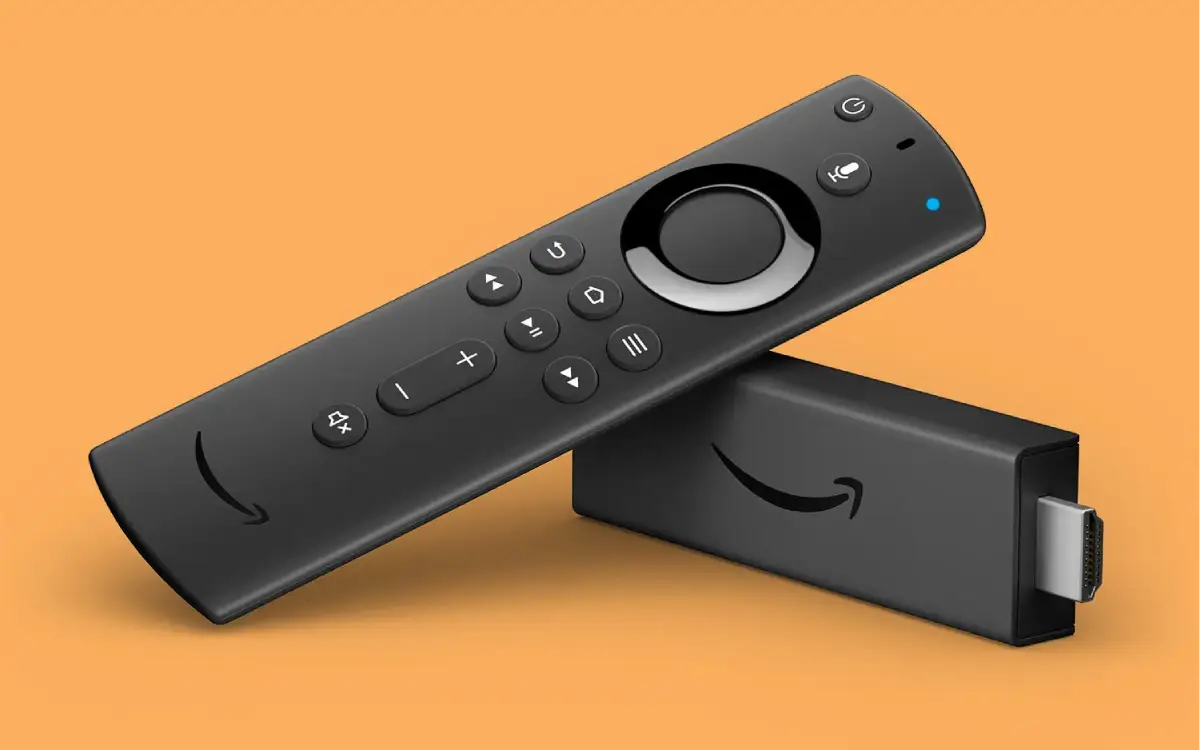
The Amazon Fire TV Stick is one of the most popular and affordable devices for streaming IPTV. Setting up Ramix IPTV on your Firestick takes less than 5 minutes. Here is the ultimate guide to get you streaming instantly.
Step 1: Allow Apps from Unknown Sources
- Go to the home screen of your Firestick and click on Settings.
- Select My Fire TV (or Device).
- Click on Developer Options.
- Turn ON Apps from Unknown Sources.
Step 2: Install the Downloader App
Since IPTV apps are not in the Amazon App Store, we need to use 'Downloader'. Go to the Search icon on your Firestick home screen, type in "Downloader", and install the orange app.
Step 3: Download & Login
Open the Downloader app and enter the special URL provided to you in your Ramix IPTV welcome email. Install the application, open it, and enter your Username and Password to unlock your 33,000+ channels!